Saul Silber Memorial Library


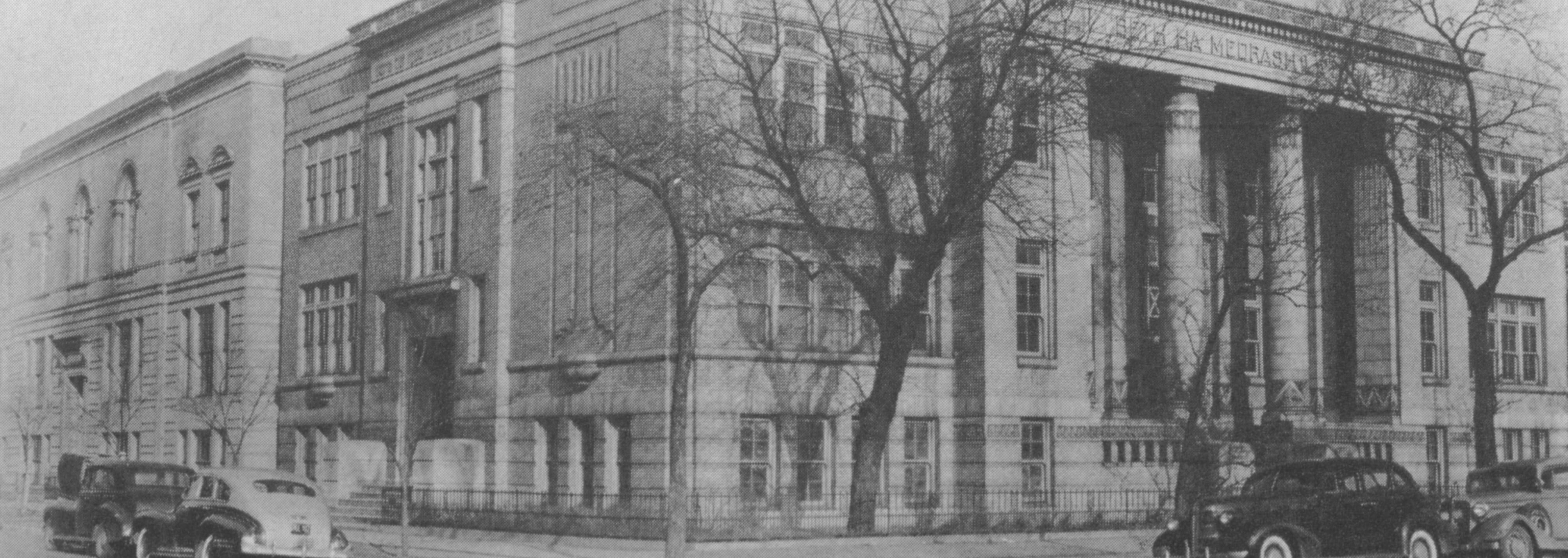
The Saul Silber Memorial Library of Hebrew Theological College was named for the late Rabbi Saul Silber, president of HTC from 1922 to 1946. The Library is an academic library that supports the curricula of HTC and is a Judaica research library.

The Library is well known among Judaic scholars throughout the world. The 65,000 item collection includes current and historic Judaica and Hebraica books, Hebrew manuscripts, microforms, video and audio tapes. Strong collections include Halacha, Bible, Talmud literature, rabbinics, Jewish history, and Jewish philosophy.  The computer catalog has over 30,500 items. The rare book collection includes manuscripts, synagogue minute books, author autographed books, and Hebrew books printed before 1800. The Library always has one or more exhibits in the reading room.
Members of the public are urged to support the Library by joining the Friends of the the Library. Membership is $25 per year for an individual; $40 for a family; and $75 for  patron members. Books may be inscribed in honor or in memory of a person or event at any time during the year. Members may check out library materials.  Alumni who have paid their ALumni Association dues do not have an additional fee for individual membership.

Library Hours
Mondays - Thursdays 9:00a - 4:00p

During the academic year additional evening hours are scheduled for students. The library is closed on Jewish and national holidays.
Hours vary during school vacation periods.


The three component libraries are:
Main library on the third floor of the administration building
Beis Midrash library in the synagogue building
Library in the Anne M. Blitstein Teachers Institute building


The Library is a member of The North Suburban Library System and the Association of Jewish Libraries.

*NOTE: In order to display Hebrew in the library catalog, you will need to have Hebrew language support installed on your computer.  To obtain that feature (available only in Internet Explorer 5 and above), go tohttp://windowsupdate.microsoft.com/
, go to Product Updates, and install Hebrew Language Support and Language Auto-Selection. After installing this, you will need to right-click on the first page you reach of the library catalog, right-click on any blank space on the screen, then select Encoding, More, and Hebrew (Windows).  Your computer should now display Hebrew characters.